Managing file security in Linux terminals can be intimidating for junior system administrators. Understanding the file system permission matrix is essential for securing web servers and application directories.
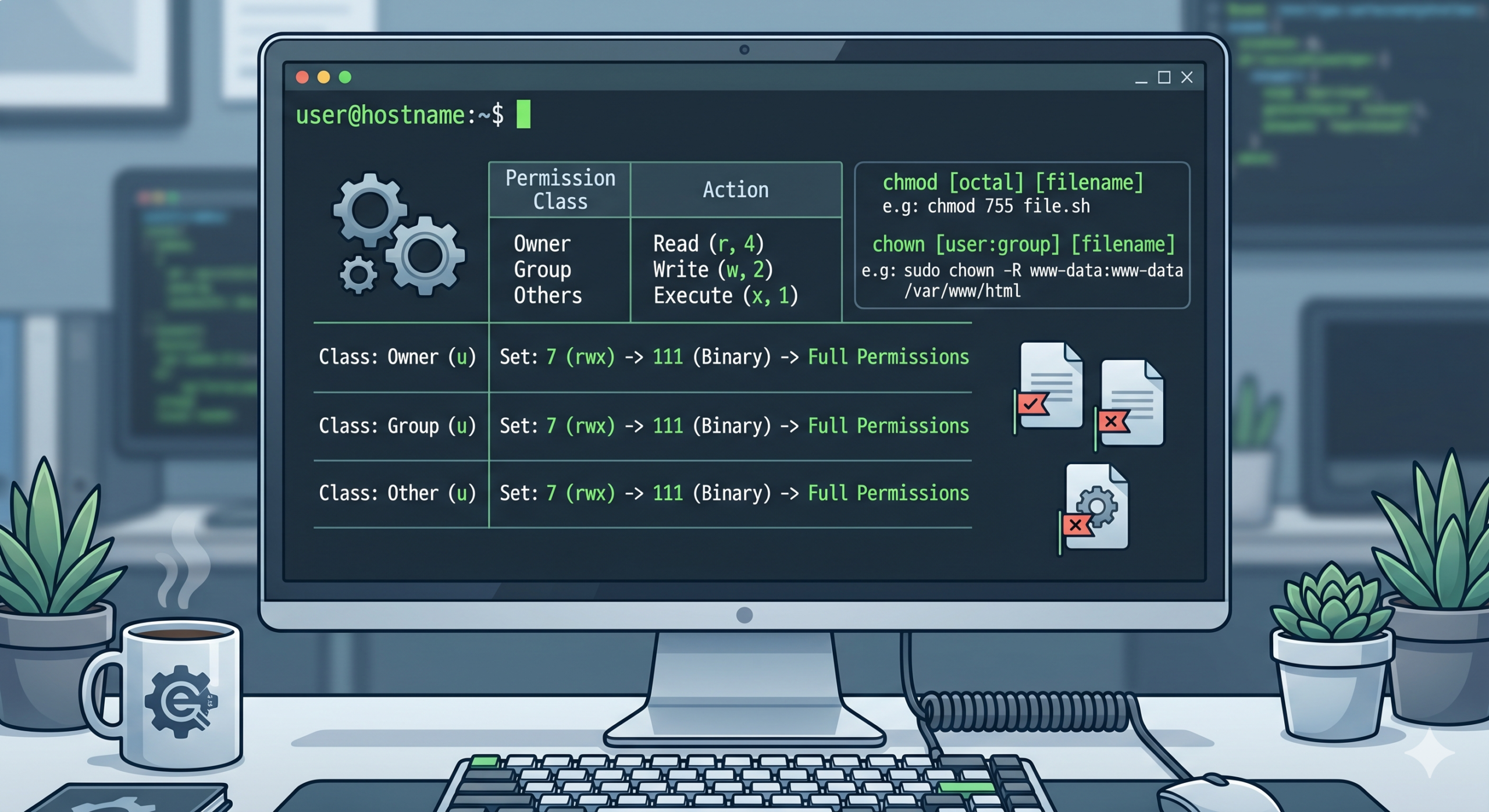
Permissions are broken into three distinct classes: User (u), Group (g), and Others (o). They are defined by Read (4), Write (2), and Execute (1) privileges. For example, executing chmod 755 script.sh assigns full read, write, and execute permissions to the owner, while restricting group members and public entities to read and execute privileges only.
Additionally, changing directory ownership requires the chown command. Running sudo chown -R www-data:www-data /var/www/html ensures that your web server engine possesses proper read/write ownership over the root directory parameters, completely preventing common 403 Forbidden script execution errors.